

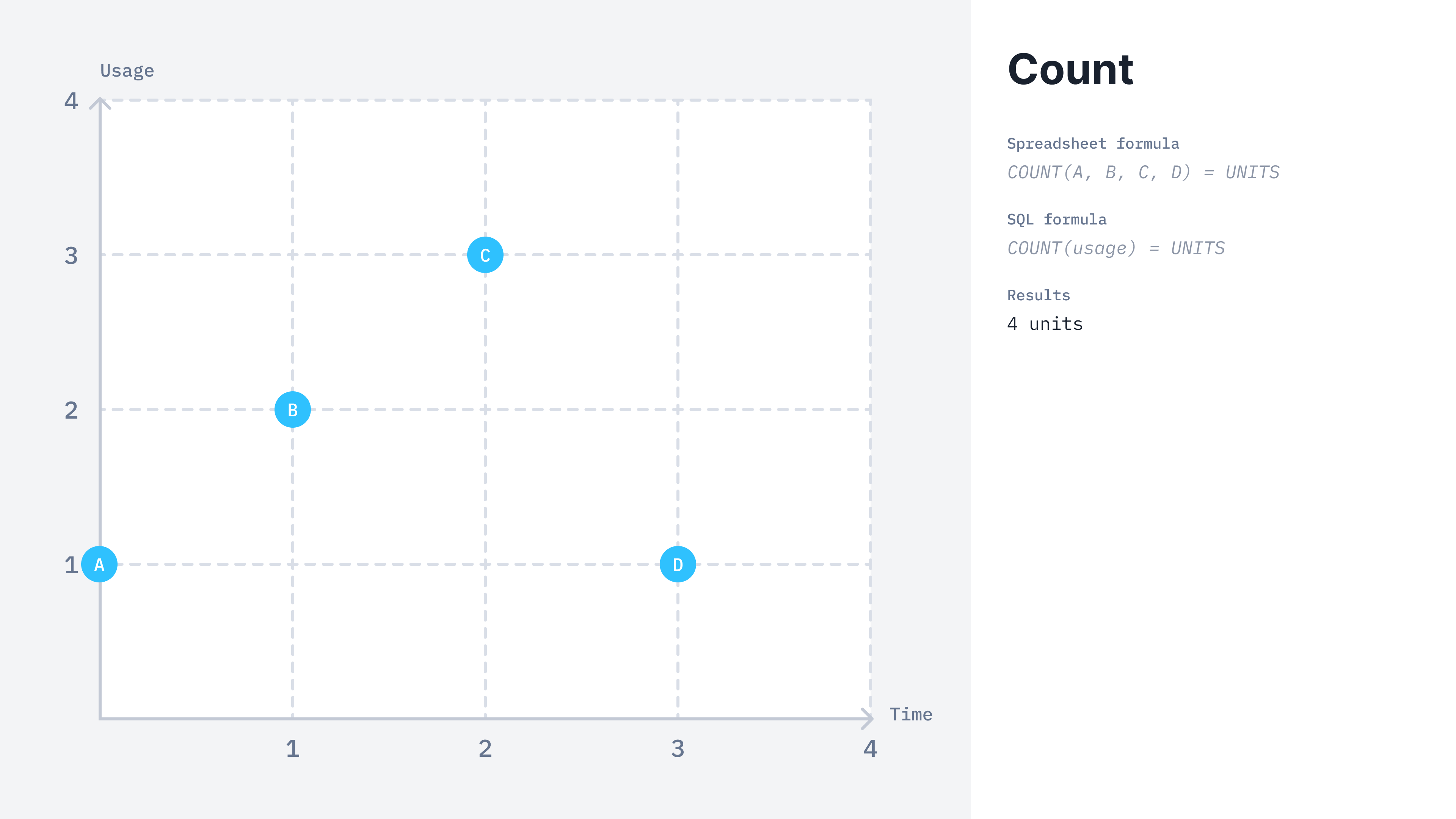
COUNT calculation method
COUNT billable metric
- Dashboard
- API
Here is how you can create a count aggregation from the UI:
- Access the “Billable metrics” section via the side menu;
- Create a new billable metric;
- Define a name, a code and an optional description;
- Select “count” as the aggregation type;
- Apply dimension groups if any; and
- Click “Add billable metric”.
This billable metric is
metered only, meaning it cannot be recurring, and the number
of billing units resets to 0 at the end of each period.Calculation example
Lago calculates theCOUNT(events.code) for the two following events received.